
Your Profile
Moss separates your identity into two distinct things: a global default profile that lives on your device, and a per-group profile in each group you join. They serve different purposes and they don't stay in sync — once you understand the split, the rest follows.
The global profile
The global profile is a default, used as a starting point when you join a new group. It holds a display name and an avatar, and it lives on your device — no other Moss user ever reads it directly.
Open Moss Settings (the gear icon in the left sidebar), then the Profile tab.
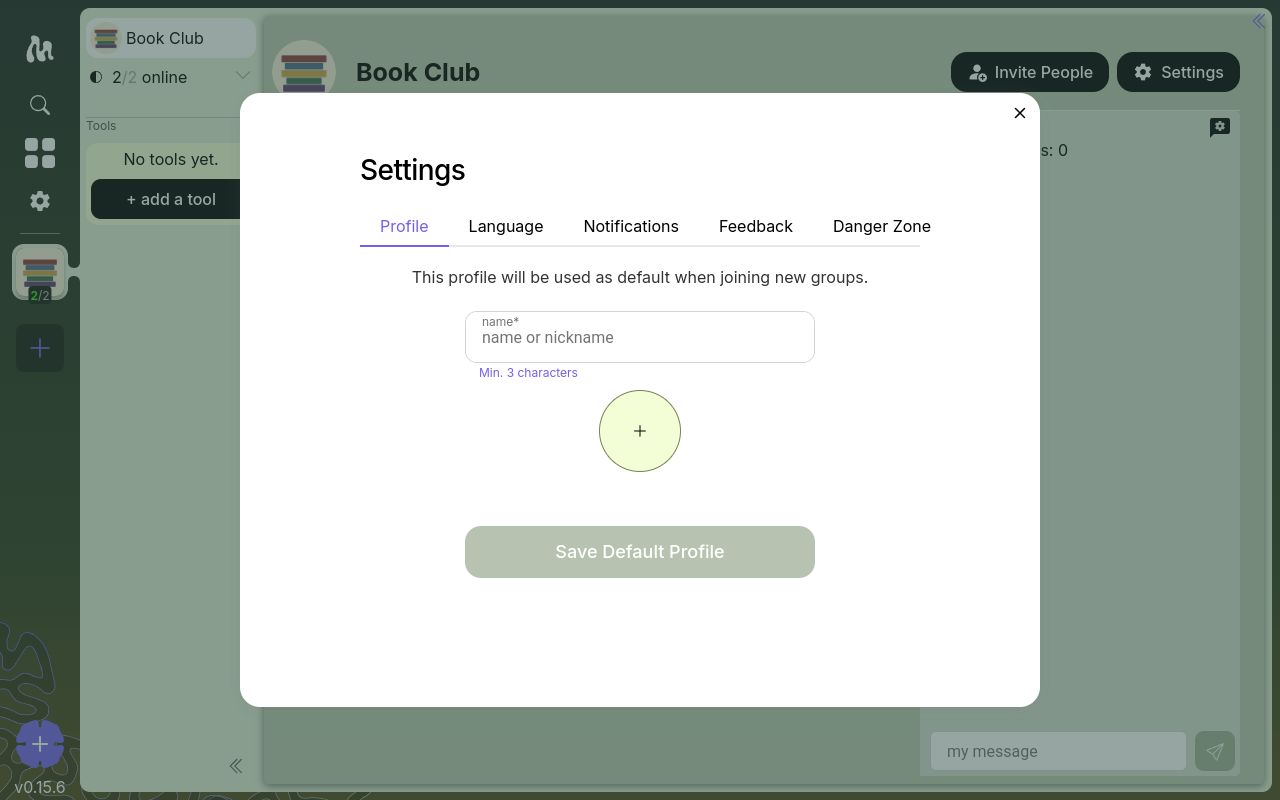
The intro line on the page says it plainly: "This profile will be used as default when joining new groups."
Per-group profiles
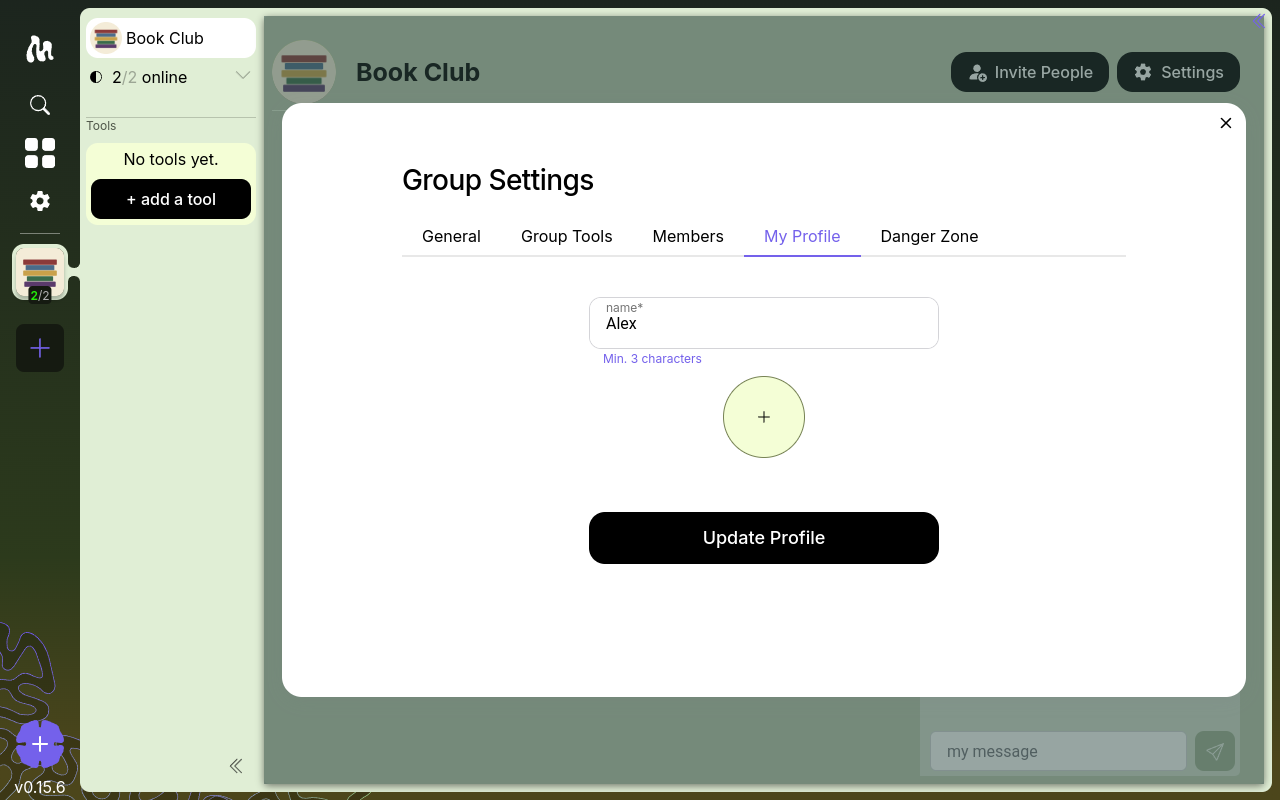
The per-group profile is what other members of a group actually see — the name and avatar they read under your messages and contributions in that group.
You set it the first time you enter a group, on the Enter the space screen. Moss pre-populates that form from your global default, but you can change either field before confirming. From then on, that group has its own independent profile for you.
You can edit it later from Group Settings → My Profile.
Some tools add a third layer
Tools can add their own profile layer on top of the per-group one, for information that only makes sense inside that tool. For example, Vines (a chat tool) prompts you on first launch for a Vines-specific profile — so you can show colleagues a different display name and avatar in the chat than the one the group sees elsewhere, or set tool-specific bio fields.
🚧 Screenshot of Vines' startup profile dialog to come.
Not every tool does this. When a tool does, it's separate from your per-group profile — set inside the tool, and only used there.
How they relate (and how they don't)
- The global profile pre-populates new per-group profiles. That's the only link between them.
- They don't override each other. Once a per-group profile is saved, it's independent storage on that group's network.
- Changes don't propagate. Editing your global profile later won't update any group. Editing your profile in one group won't touch any other.
- Different groups can see different yous. You can be Alex in your work group and alexandra in a reading circle, with different avatars, on purpose.
If you join a group and never set a per-group profile, other members see you as unknown — there is no automatic fallback to your global default.
Cryptographic identity
Profiles are about what others see. Underneath, your identity in each group is a cryptographic key pair generated on your device when you join. Each group has its own key for you — they aren't shared across groups. The private half stays in your local keystore; the public half is what the group sees as "you."
Moss has no account, no email, no central directory: your identity in each group is just that key pair plus whatever profile you've set there.
Next
- Inviting Members — joining a group and the Enter-the-space screen
- Roles & Stewards — what a member can and can't do